Get water & dust out of your speaker — with sound
Muffled or quiet after getting wet? Press play below. ECHO sends a tuned tone through your speaker that pushes water out and shakes dust loose.
Max your volume, then press start. Place the speaker facing down.

💧 Eject water fast
A 165 Hz pulse creates the pressure that forces trapped droplets out of the speaker grille in seconds.
✨ Shake out dust
A higher tone vibrates fine dust, lint and pocket debris loose so your sound is crisp again.
📱 Works everywhere
iPhone, Android, AirPods, iPad, laptops and Bluetooth speakers — same simple fix.
Quick start
1. Turn volume up
Set your device to near-maximum volume and remove any case covering the speaker.
2. Face speaker down
Point the speaker toward the floor or a soft cloth so gravity helps the water leave.
3. Press play
Run the tone, then repeat 2–3 times for stubborn water. Test your speaker after.
Pick your fix
Clean by device
📱 iPhone →
Step-by-step water & dust cleaning for iPhone, with the free tool built in.
📱 Samsung Galaxy →
Step-by-step water & dust cleaning for Samsung Galaxy, with the free tool built in.
🎧 AirPods →
Step-by-step water & dust cleaning for AirPods, with the free tool built in.
📱 Google Pixel →
Step-by-step water & dust cleaning for Google Pixel, with the free tool built in.
💻 Laptop →
Step-by-step water & dust cleaning for Laptop, with the free tool built in.
Speaker rescue guides
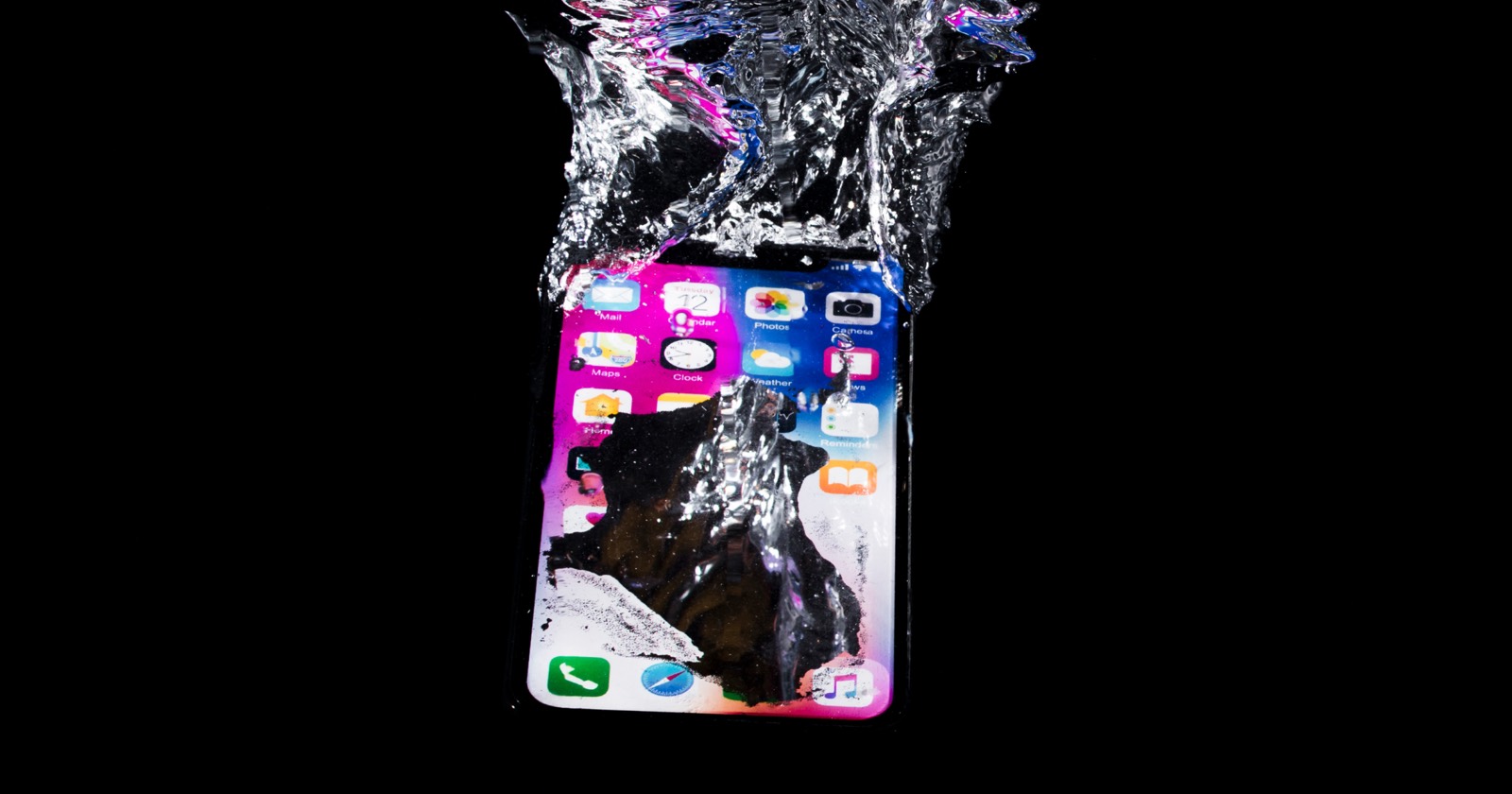 Water Damage
 How to Get Water Out of Your Phone Speaker (7 Proven Tricks)
Water in your speaker? Here are 7 tested life hacks to eject it fast — starting with the sound method that works in seconds.
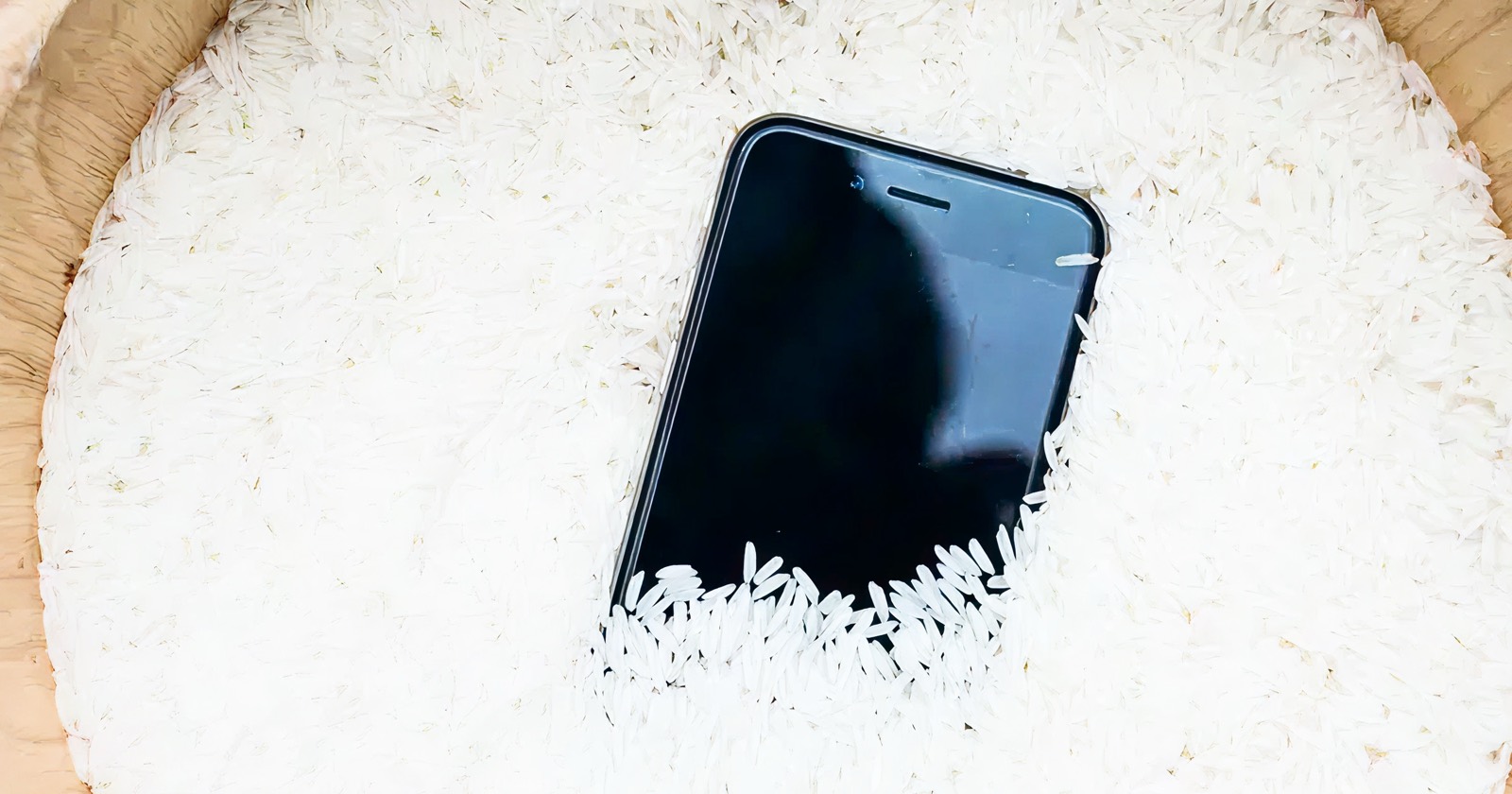 Myths
Myths Does Rice Actually Dry a Wet Phone? (The Honest Answer)
The rice trick is everywhere — but does it work? We break down the science and what to do instead to save your speaker.
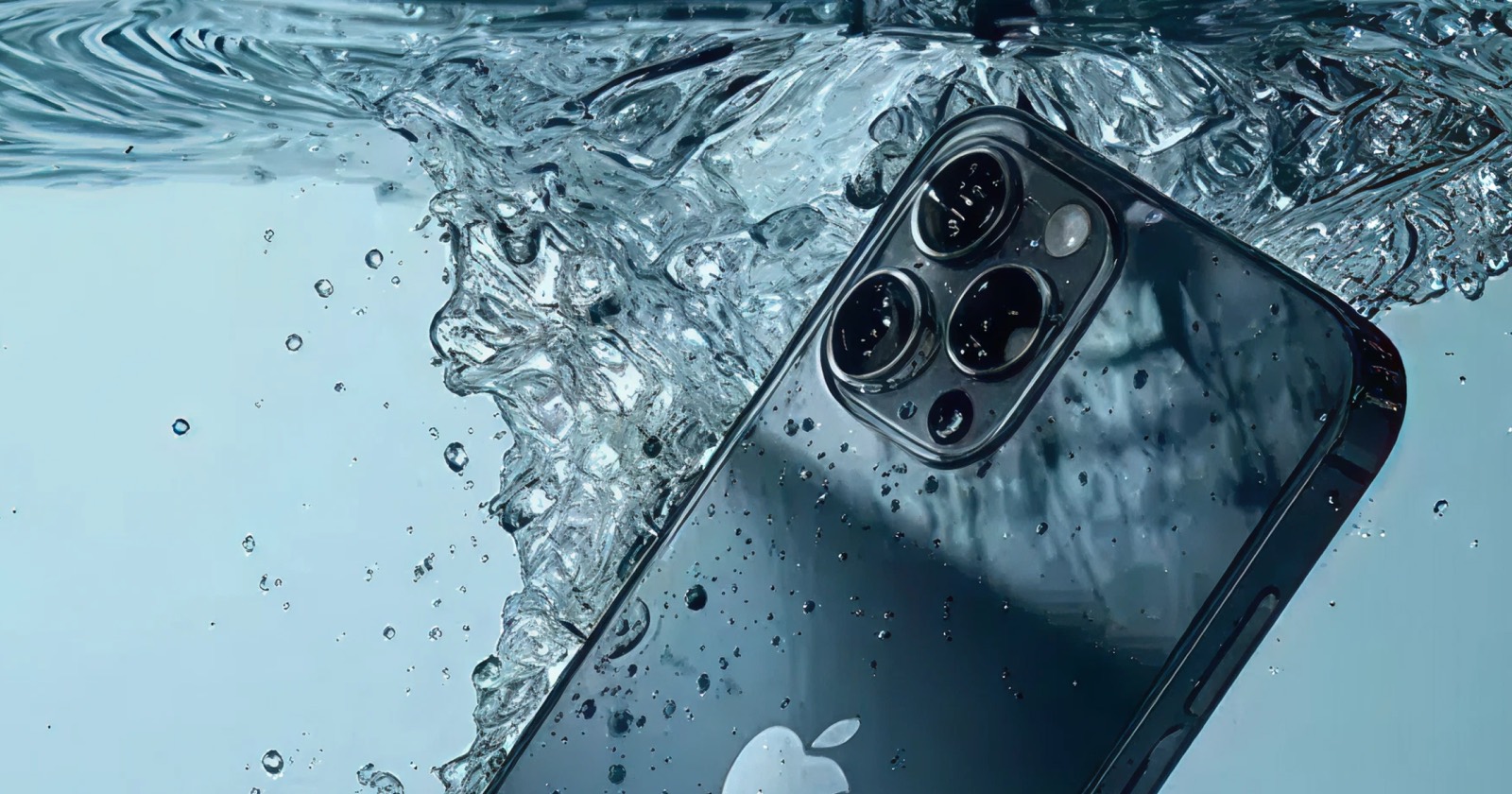 How It Works
 The Best Sound Frequency to Clean Phone Speakers
Why 165 Hz ejects water and higher tones shake out dust — plus how to use frequency safely without damaging your speaker.
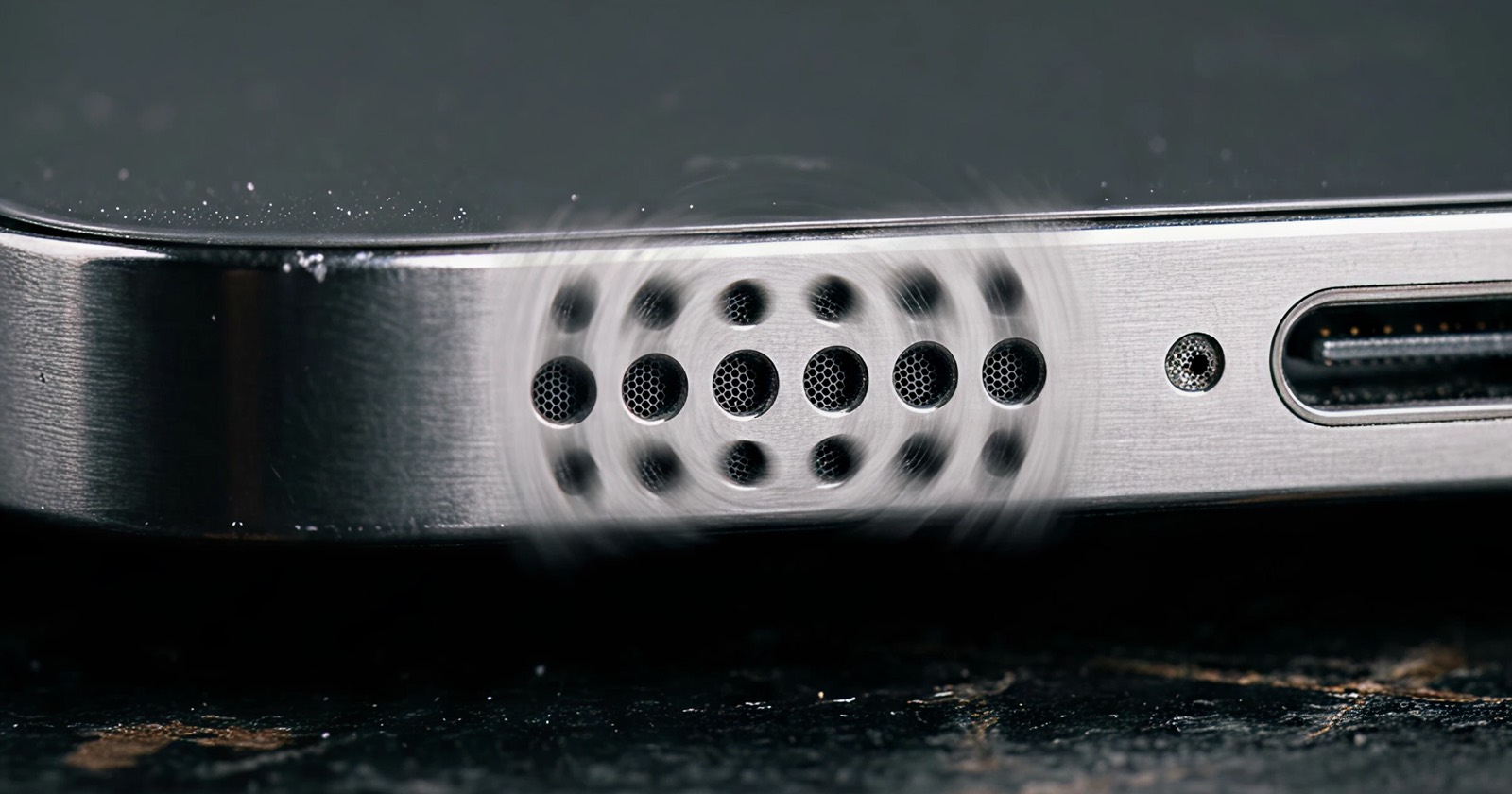 Troubleshooting
 Why Is My Phone Speaker Muffled? The 60-Second Fix
Muffled, quiet or crackly phone speaker? Here are the common causes and a 60-second sound fix you can run right now.
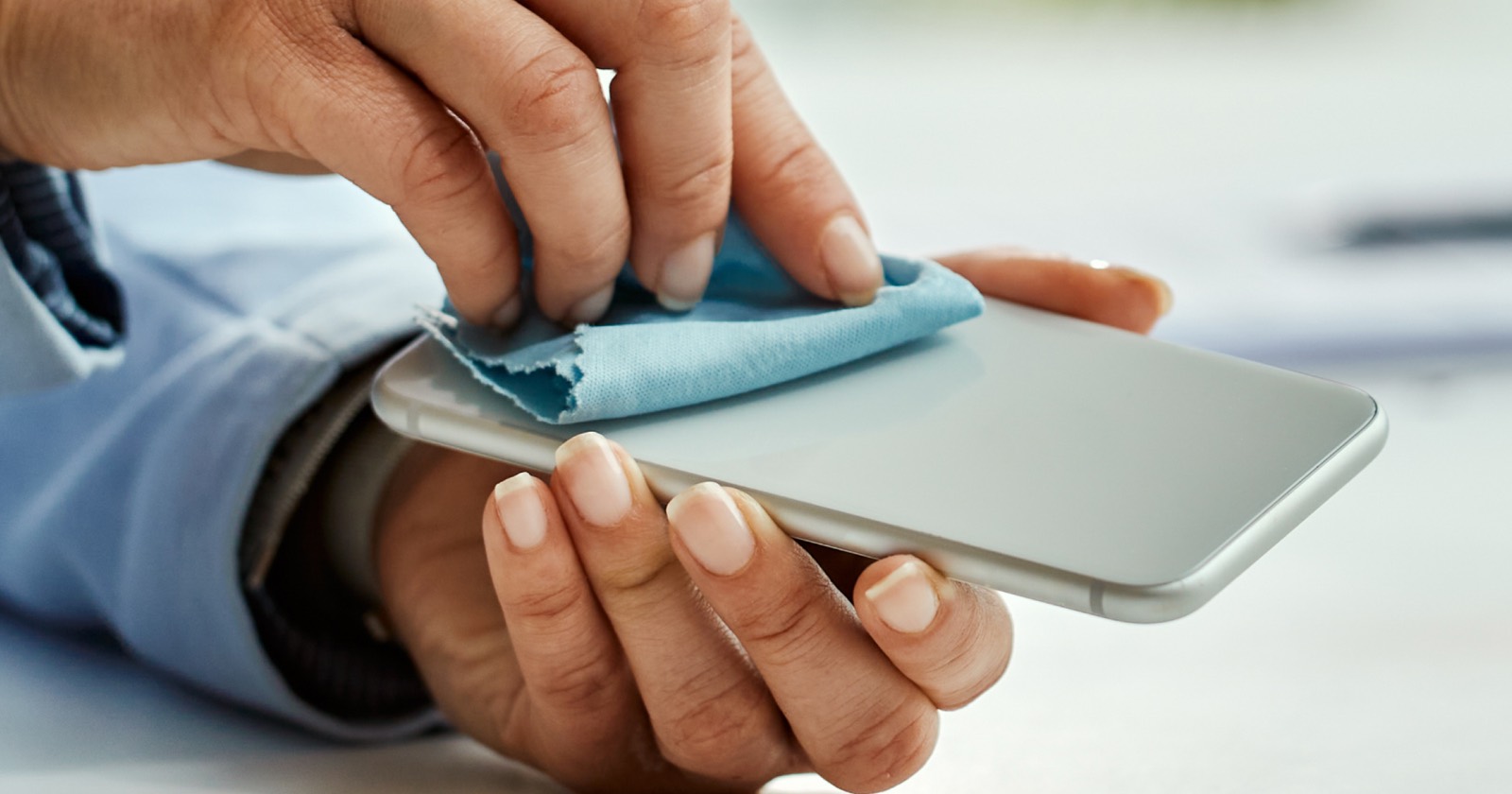 How It Works
 Does a Speaker Cleaner Actually Work? What the Science Says
Can a sound really clean your speaker? We explain the physics of water ejection and dust removal — and where the limits are.
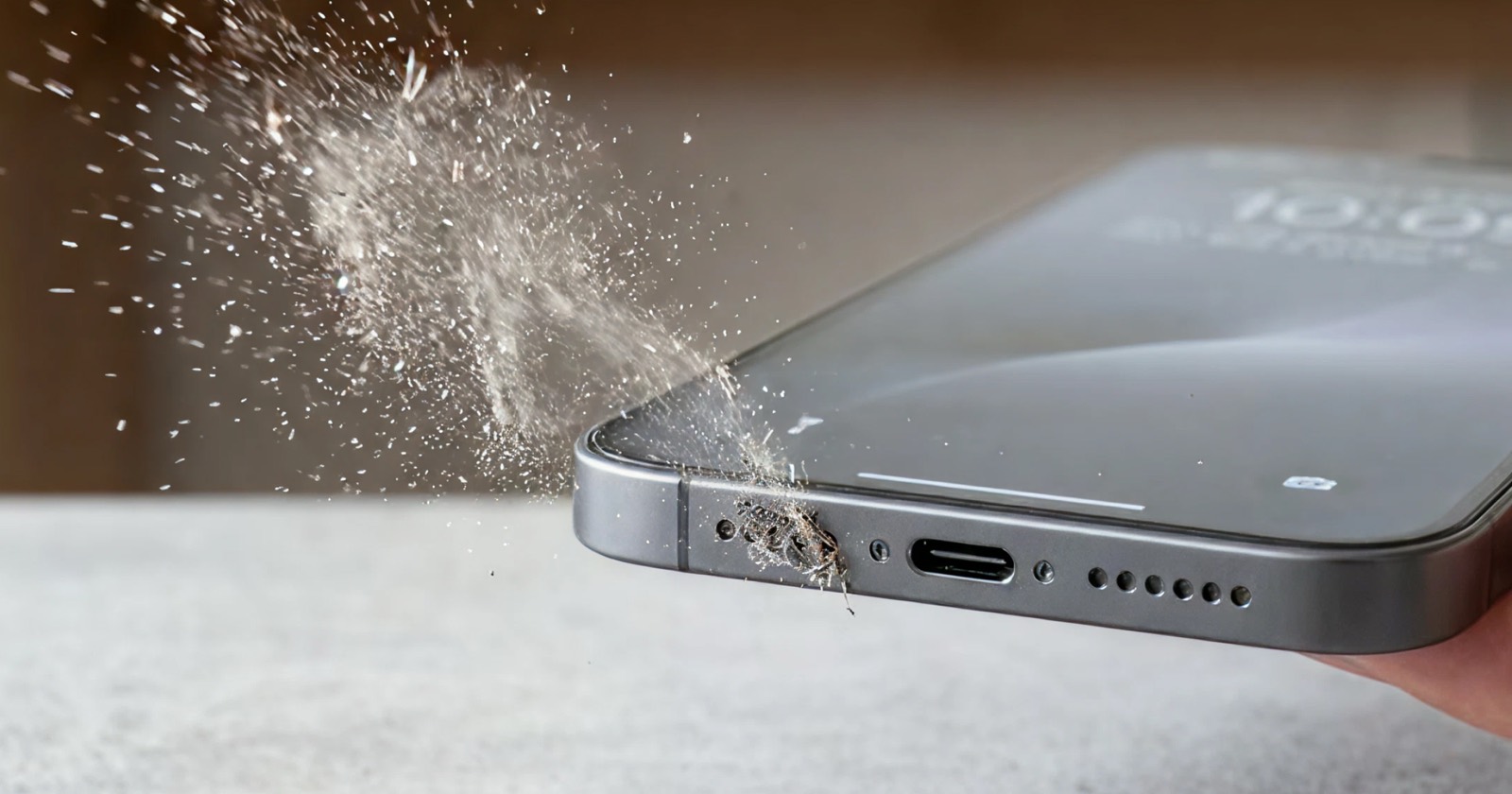 Troubleshooting
 Dust vs. Blown Speaker: How to Tell the Difference
Crackly, muffled or distorted sound? Learn how to tell clogged dust from a blown speaker — and what actually fixes each.
TroubleshootingPhone Speaker Crackling? Why It Happens & How to Fix It
Crackling or popping from your phone speaker? Here are the common causes — dust, water, volume — and how to fix each in a minute.
TroubleshootingPhone Volume Too Low? How to Make Your Speaker Louder
Phone speaker too quiet even at max volume? The usual cause is a clogged grille. Here is how to make it loud again in 60 seconds.
Water DamageWater in Your Speaker After Swimming or the Shower? Do This
Pool, shower or sweat left your speaker muffled? Eject the water and clear the residue with sound — step by step.
What people say
“Dropped my phone in the pool on holiday and the speaker went silent. Ran the water mode a few times and it came right back to full volume. Saved me a repair bill.”
“My speaker had been muffled for weeks and I assumed it was broken. Turned out to be dust — the cleaning tone plus a quick brush and it’s loud again. Wish I’d found this sooner.”
“People kept telling me I sounded far away on calls. Used the ear speaker mode and it cleared up in about 30 seconds. So simple.”
Frequently Asked Questions
How does cleaning a speaker with sound work?
Playing a low-frequency tone (around 165 Hz) makes the speaker membrane vibrate firmly back and forth. That movement creates air pressure that physically pushes trapped water droplets out of the speaker grille. A higher tone instead shakes loose fine dust and lint.
Is the water-eject sound safe for my phone?
Yes. ECHO uses moderate volume and standard frequencies that your speaker already produces during normal music playback. It will not damage the hardware. Just avoid maximum volume for very long sessions.
Does this work for iPhone, Samsung, AirPods and laptops?
It works on almost any device with a speaker — iPhone, Android, iPad, AirPods, MacBook, Bluetooth speakers and more. The physics of vibrating water out are the same across devices.
Do I need the app, or is the website enough?
The website tool is free and fully functional. The ECHO app adds saved device presets, stronger repeat cycles, automatic scheduling and offline use.
Want the full toolkit?
ECHO for iOS adds saved presets per device, stronger repeat cycles and offline cleaning.
Download ECHO free