
Troubleshooting 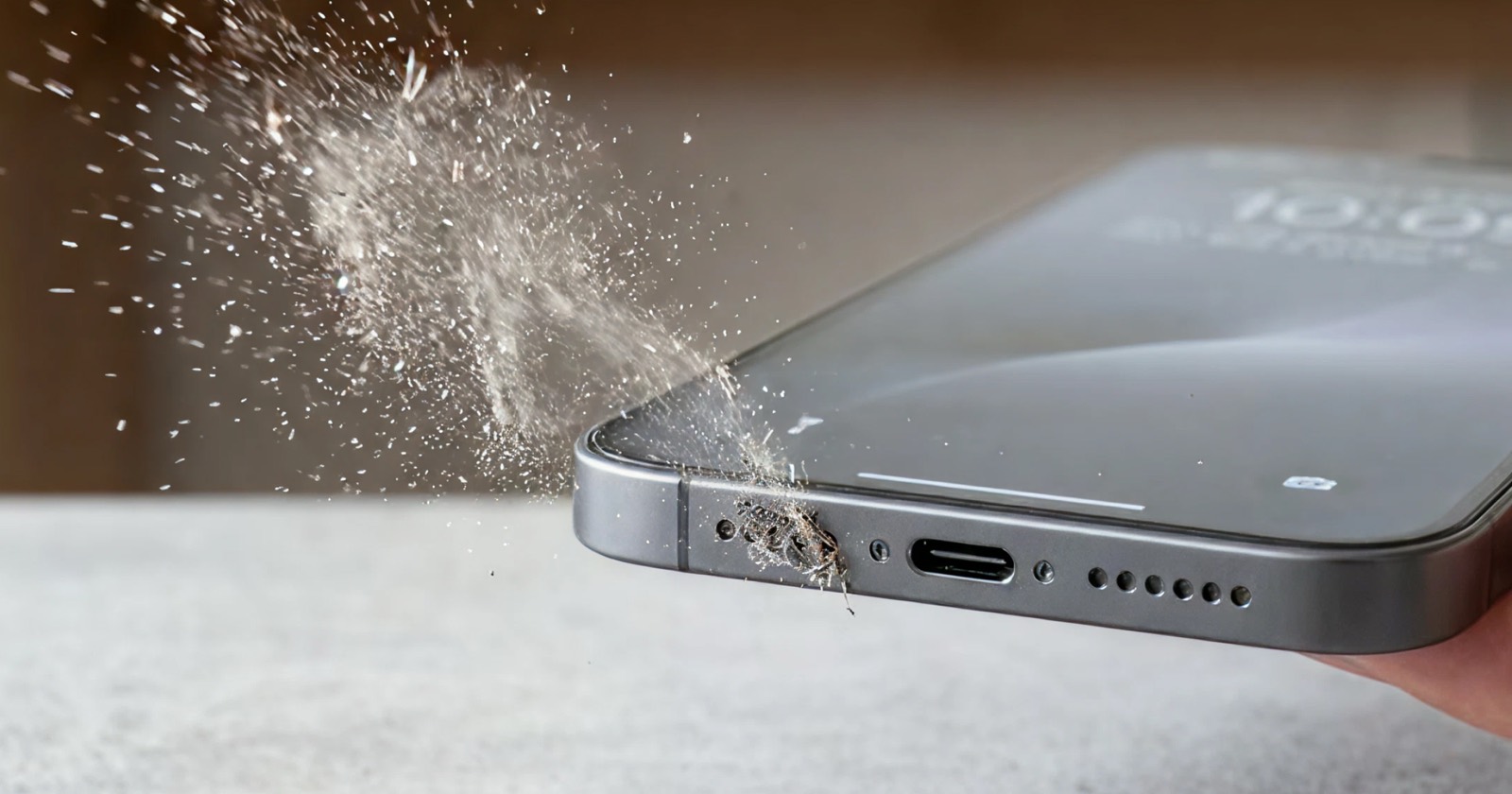
Dust vs. Blown Speaker: How to Tell the Difference
Before you panic about a "blown" speaker, it's worth checking — most bad-sounding phone speakers are just clogged with dust or water. Here's how to tell the difference in a minute.
Quick answer: Dust/water = muffled but clean sound
that improves after cleaning. Blown = distorted, crackly or buzzy sound
that stays bad even at low volume. Try the cleaning
tool first to rule out dust.
The quick test
- Play a clear, simple tune at low volume.
- Listen for the type of problem: quiet/muffled, or distorted/buzzy?
- Run the cleaning tone and brush the grille.
- Re-test. Improved = it was dust. No change and still distorted = likely blown.
Signs it's just dust or water
- Sound is muffled or quiet but otherwise clean.
- It got gradually worse over weeks (dust) or right after getting wet (water).
- It improves after cleaning the grille.
- Volume is lower than the other speaker, but no crackling.
Signs it's a blown speaker
- Distortion, crackling or buzzing even at low volume.
- A rattle on bass notes.
- No improvement after cleaning and drying.
- It happened suddenly after very loud volume or a hard drop.
What fixes each
Dust: run Dust Clean mode and brush the grille. Water: use the water-eject tool and air-dry. Blown: if it's genuinely distorted after ruling out dust and water, a repair shop can replace the speaker module — often inexpensively.
Always test the cheap, free fixes first. Cleaning and drying resolve the
majority of "I think my speaker is blown" cases.
Try the free water-eject tool or speaker cleaner right in your browser — no install needed.