
Why Is My Phone Speaker Muffled? The 60-Second Fix
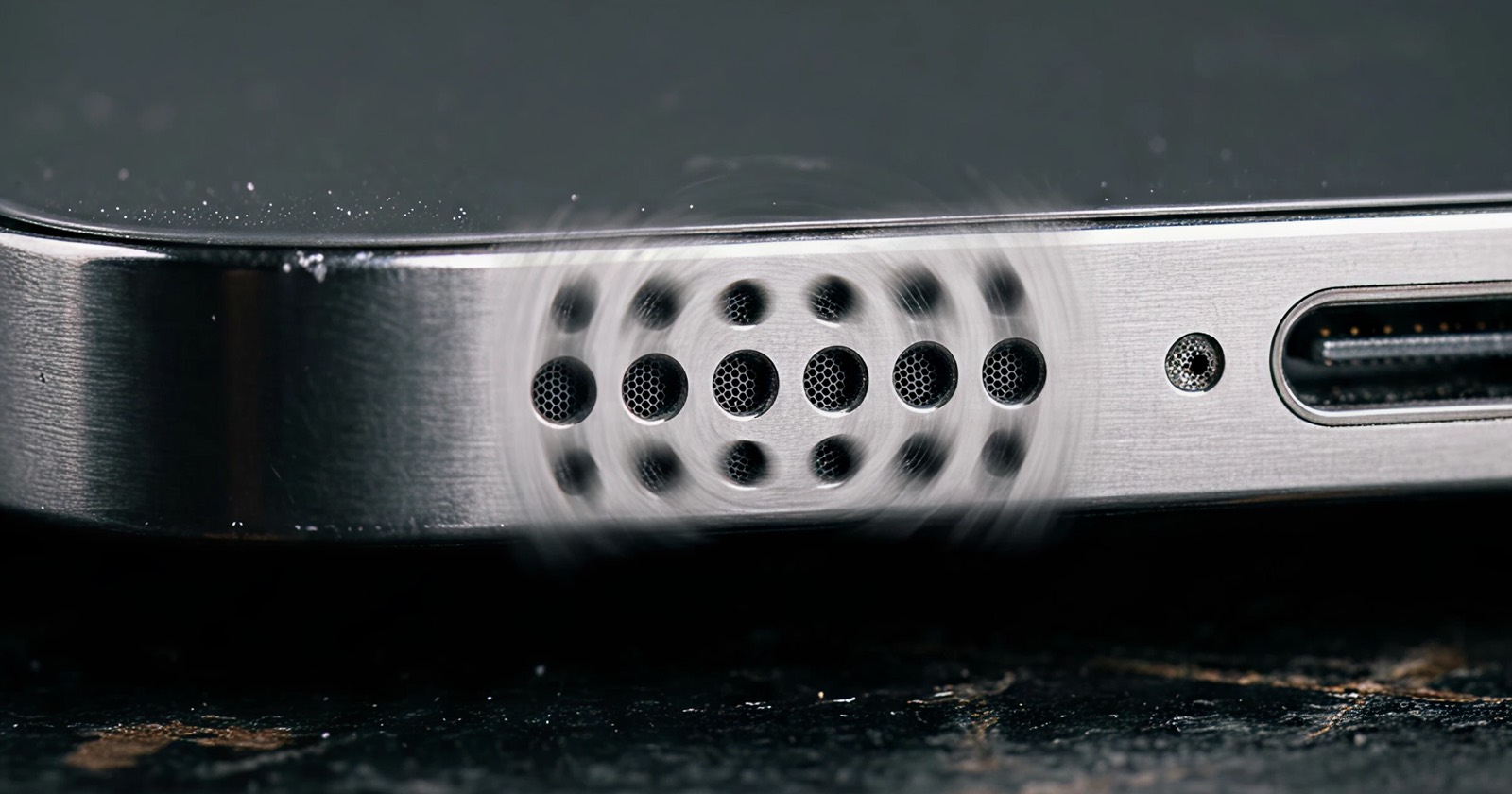
A muffled phone speaker is almost always a small, fixable problem — not a broken phone. Here's why it happens and how to clear it in about 60 seconds.
The 60-second fix
- Turn volume to ~90% and remove your case.
- Face the speaker down over a soft cloth.
- Play the cleaning tone — water-eject if it's wet, dust mode if it's dry.
- Brush the grille gently with a soft, dry toothbrush.
- Test your sound and repeat once if needed.
Common causes of a muffled speaker
1. Dust and lint in the grille
Pocket lint and dust build up on the fine speaker mesh and physically block sound. This is the #1 cause of gradual muffling on a dry phone.
2. Trapped water
After rain, a splash or a drop, water sits in the grille and dampens the membrane. Sound becomes muffled, crackly or quiet until it's ejected.
3. A case or screen protector
A thick case or misaligned protector can partly cover the speaker. Remove it and test — an easy thing to rule out first.
4. Software: volume limit or EQ
Check that volume limits, Bluetooth output, or an equalizer aren't lowering output. Restart the phone to clear temporary audio glitches.
When it's not just dirt
If cleaning doesn't help and the sound is distorted or rattling even at low volume, you may have a blown speaker. Learn how to tell the difference in our guide on dust vs. a blown speaker.
Try the free water-eject tool or speaker cleaner right in your browser — no install needed.