
How to Get Water Out of Your Phone Speaker (7 Proven Tricks)
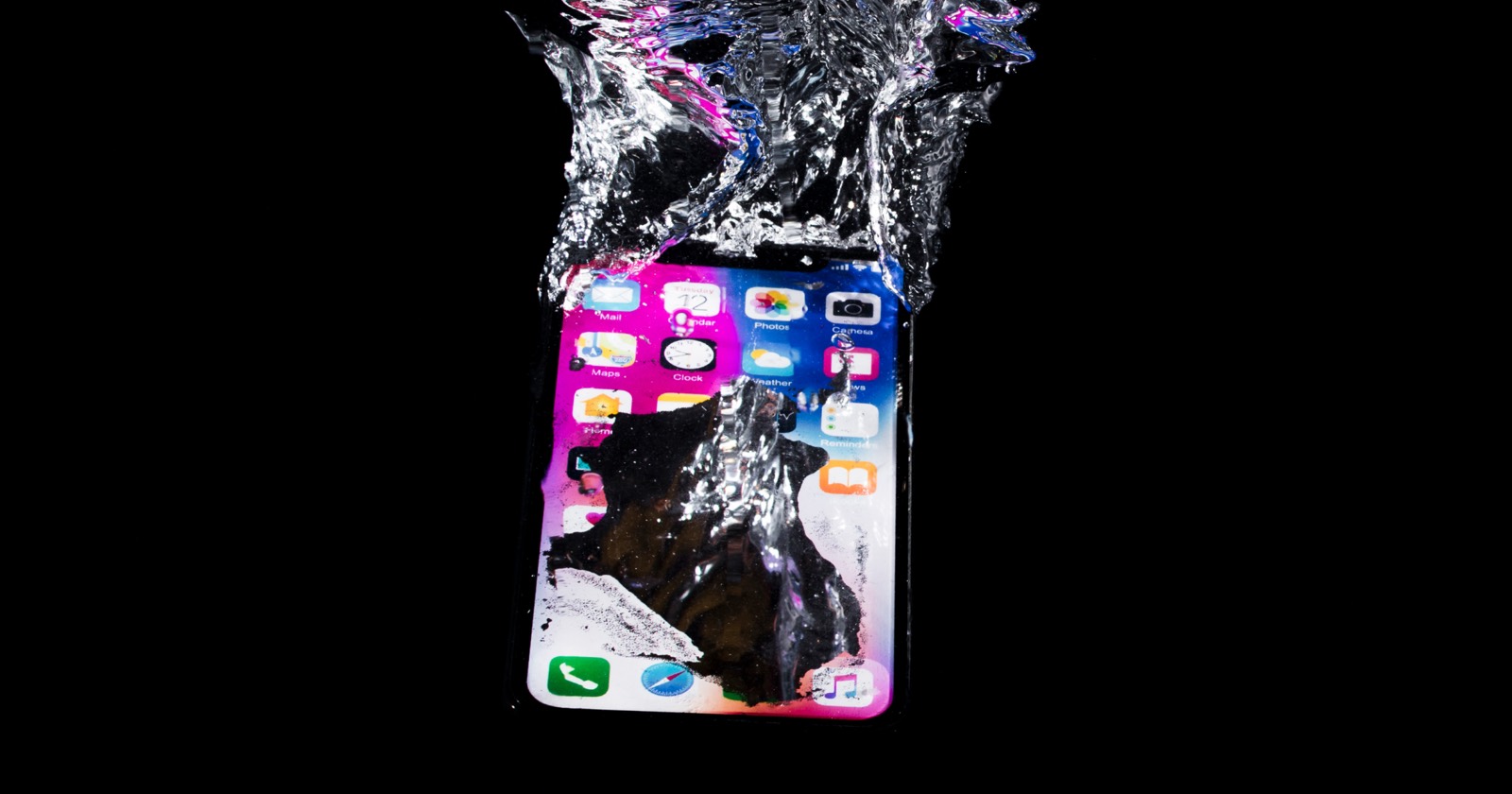
A muffled, crackly or silent speaker after your phone gets wet is alarming — but in most cases the water is just trapped in the grille, not inside the electronics. Here are seven life hacks to get it out, ranked from most to least effective.
First, do this right away
Water is easiest to remove in the first few minutes, before it settles deeper into the grille. The moment your phone gets wet:
- Get it out of the water and stop using it — don't press buttons or charge it.
- Wipe it dry and take off the case.
- Hold the speaker facing down and tap gently against your palm.
- Run the water-eject tool at ~90% volume.
Then work through the methods below if any muffling remains.
7 life hacks to remove water from your speaker
1. Play a water-eject sound (best method)
A 165 Hz tone makes the speaker membrane pump back and forth hard enough to push droplets out. It mimics the “water eject” feature on the Apple Watch. Use our free water-eject tool with the speaker pointing down at a cloth.
2. Gravity + gentle tapping
Hold the phone with the speaker facing straight down and tap it gently against your palm. This dislodges larger droplets clinging to the grille. Tap your palm, never a hard surface.
3. Silica gel packets
Those little “do not eat” packets are far better than rice. Seal the phone with a handful in an airtight bag for a few hours to pull out lingering moisture after you've ejected the bulk of the water with sound.
4. Air flow, not heat
Set the phone speaker-down near a fan or in a well-ventilated spot. Room-temperature airflow evaporates trapped moisture safely — unlike a hair dryer, which can warp seals and overheat the battery.
5. Soft microfiber wicking
Press (don't rub) a corner of a microfiber cloth against the speaker grille. The fibers wick surface water out of the mesh without pushing it deeper.
6. The painter's tape trick
Once mostly dry, lightly press a strip of low-tack painter's tape over the grille and peel it off to lift out remaining droplets mixed with dust.
7. Patience in a dry, warm spot
If sound is still slightly muffled, leave the phone speaker-down somewhere warm and dry overnight, then run the eject tone one more time in the morning.
What NOT to do
- No heat guns or hair dryers — heat damages adhesive seals and the battery.
- Don't charge a wet phone — moisture in the port can short it.
- Skip cotton swabs and pins — they push water and dust further in.
- Don't shake violently — you can drive water toward internal components.
Which method works best? (compared)
Here's how the popular drying tricks stack up by effectiveness and risk:
| Method | How well it works | Risk to your phone | Verdict |
|---|---|---|---|
| Sound (water-eject tone) | Best — pushes trapped water out of the grille | None | ✅ Try first |
| Gravity + gentle tapping | Helps dislodge larger droplets | None | 👍 Pair with sound |
| Silica gel packets | Good for leftover moisture | None | 👍 Use after ejecting |
| Uncooked rice | Slow and weak; can't reach trapped water | Starch dust in ports | ⚠️ Skip it |
| Hair dryer / heat | Evaporates surface water | Warps seals, harms battery | ❌ Don't |
| Compressed air | Can push water/dust deeper | May damage the membrane | ❌ Avoid |
| Professional repair | Fixes physically damaged speakers | Cost ($30–150) | 🔧 Only if truly broken |
Why sound pushes water out (the science)
A speaker makes sound by moving a membrane back and forth. At low frequencies (around 165 Hz) that membrane travels a relatively large distance with each cycle, acting like a tiny pump. Those movements build enough air pressure behind trapped droplets to force them up and out of the grille — the same principle behind the Apple Watch's water-eject feature. Want the details? See our guide to the best frequency to clean speakers.
Get water out by device
The method is the same, but the speaker layout differs. Step-by-step guides:
- iPhone — bottom speaker, water-resistant but still traps water.
- Samsung Galaxy — bottom + earpiece speakers.
- Google Pixel — IP68, grille still holds water.
- AirPods — shed surface moisture, then air-dry fully.
When to get help
If your speaker is still distorted after a full day of drying and repeated eject cycles, or the phone was submerged in salt or dirty water, contact the manufacturer or a repair shop. Persistent muffling can mean residue on the membrane that needs professional cleaning.
Try the free water-eject tool or speaker cleaner right in your browser — no install needed.